

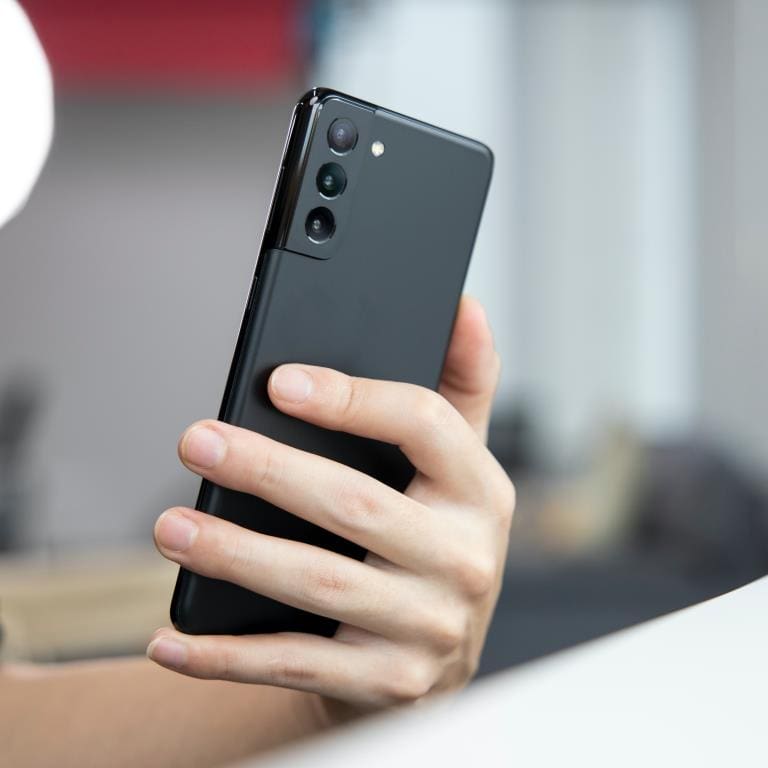
If you’re experiencing a black screen issue on your Samsung Galaxy S21 5G, don’t worry, you’re not alone. Various reasons can cause this problem, but fortunately, there are some steps you can follow to fix it. We will discuss briefly in this blog post about troubleshooting and repairing a black screen issue on your Samsung Galaxy S21 5G. Stay tuned and keep reading.
Step 1:
Perform a Soft Reset The first thing you should try is performing a soft reset. To do this, press and hold the volume down and power buttons simultaneously for about 10 seconds. Your device should vibrate and then restart. This should clear any minor software glitches that might be causing the black screen issue.
Step 2:
Boot into Safe Mode. If the soft reset doesn’t work, the next step is to boot your device into Safe Mode. This will help you determine if a third-party app is causing the issue. To boot into Safe Mode, follow these steps:
- Press and hold the power button until the Samsung logo appears.
- Release the power button and immediately press and hold the volume down button.
- Continue to hold the volume down button until your device finishes restarting.
- You should see “Safe Mode” in the bottom left corner of your screen.
If your device boots into Safe Mode without any issues, then a third-party app is likely causing the problem. You can uninstall any recently installed apps to see if that fixes the issue.
Step 3:
Clear the Cache Partition. If neither of the first two steps resolves the issue, the next step is to clear the cache partition. This will remove any temporary system files that might be causing the problem. Here’s how to do it:
- Press and hold the volume up and power buttons simultaneously until your device vibrates and the Samsung logo appears.
- Release the power button, but continue to hold the volume up button.
- When the Android logo appears, release the volume up button.
- Use the volume down button to navigate to “Wipe Cache Partition” and press the power button to select it.
- Use the volume down button to highlight “Yes” and press the power button to select it.
- Once the cache partition has been wiped, “Reboot System Now” should be highlighted. Press the power button to select it.
Step 4:
Perform a Factory Reset If none of the above steps have fixed the black screen issue, the last resort is to perform a factory reset. This will erase all data on your device, so back up any critical data before proceeding. To perform a factory reset, follow these steps:
- Go to Settings > General Management > Reset.
- Tap on “Factory Data Reset.”
- Scroll down and tap on “Reset.”
- Enter your PIN or password if prompted.
- Tap on “Delete All.”
Additional Tips for Fixing a Black Screen Issue on Samsung Galaxy S21 5G
Tip 1:
Check for Software Updates. Ensure your device is running the latest version of Android and all apps are up to date. Software updates often contain bug fixes that can help resolve black screen issues.
Tip 2:
Charge Your Device Fully. Sometimes, a low battery can cause black screen issues. Ensure your device is fully charged before trying the above steps.
Tip 3:
Use a Third-Party Tool If you’re still experiencing the black screen issue, you can try using a third-party tool like ReiBoot for Android to help fix all software-related matters. This tool can help repair the Android operating system and fix common problems like black screens, boot loops, etc.
Conclusion
Samsung Galaxy S21 5G black screen issue can be frustrating, but there are several steps you can take to fix it. We hope this troubleshooting guide has helped you resolve the issue. If you have any further questions or concerns, don’t hesitate to contact your device’s manufacturer or professional repair service for assistance. If you need Samsung Galaxy S21 repairs service in Australia Screenfixed is the best option, with the number of positive reviews and standards of quality.
